

Change Tracking
Beta Feature
This feature is currently in beta and may change in future versions.
Track changes to your issues since your last checkpoint.
How It Works
- When you first load a query, a checkpoint is automatically created
- On subsequent loads, changes since the checkpoint are detected
- Visual indicators highlight new issues and status changes
- Save a new checkpoint to acknowledge changes
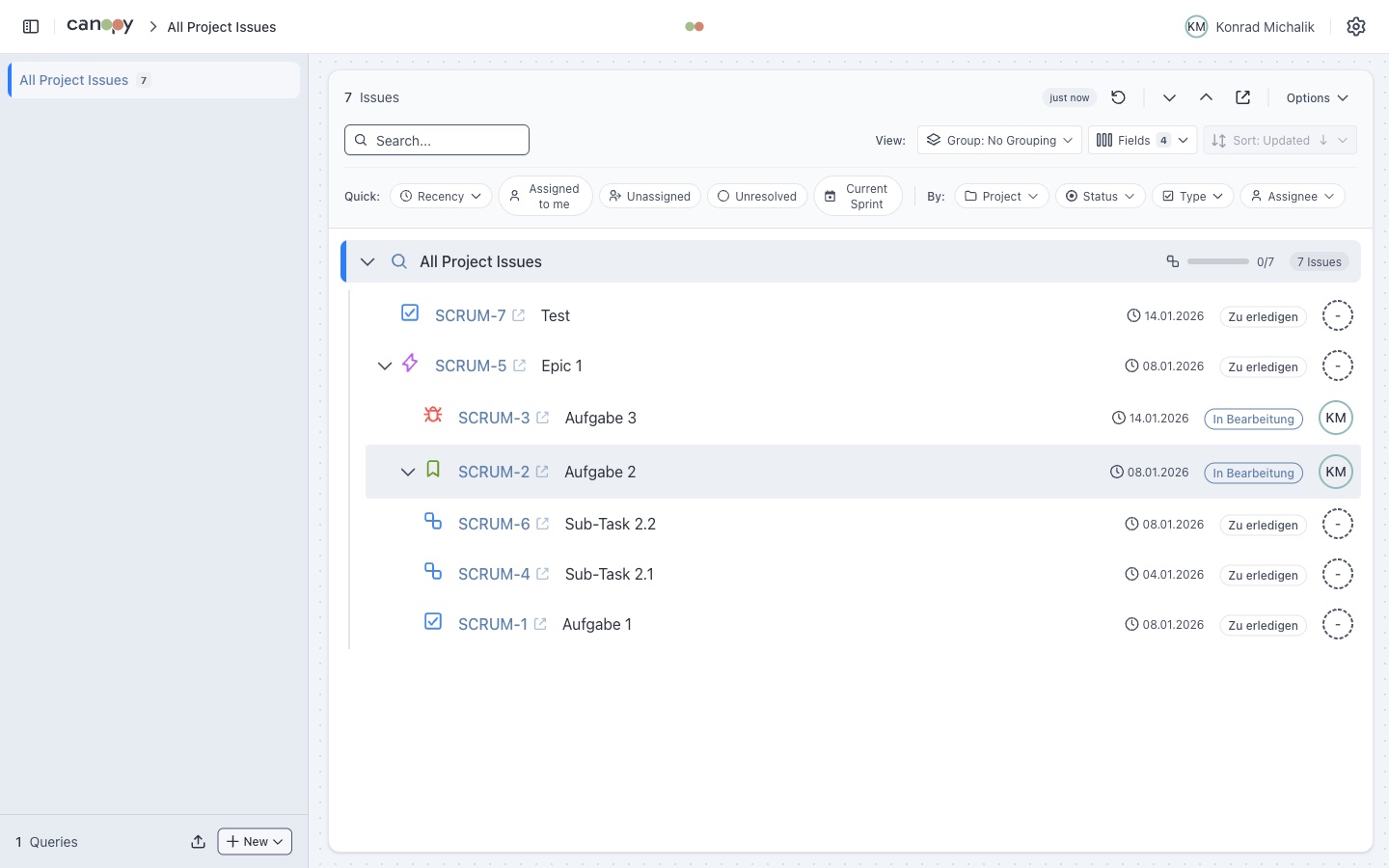
Change Types Detected
| Type | Indicator | Description |
|---|---|---|
| New Issues | Green highlight | Issues added since checkpoint |
| Removed Issues | Listed in summary | Issues no longer matching query |
| Status Changes | Blue highlight | Issues with changed status |
Activity Period
Filter recent activity by time window:
| Period | Description |
|---|---|
| 24 hours | Show activity from last day |
| 7 days | Show activity from last week |
| Off | Disable activity indicators |
Change Summary
The change summary panel shows:
- Count of new issues
- Count of removed issues
- Count of status changes
- List of affected issue keys (clickable)
Click an issue key to open it in Jira.
Checkpoints
Automatic Checkpoints
A checkpoint is automatically created when:
- You load a query for the first time
- You save a new checkpoint manually
Manual Checkpoints
Click Save Checkpoint to:
- Acknowledge current changes
- Reset the comparison baseline
- Start tracking from the current state
Pending Changes Indicator
Queries with unsaved changes show an indicator in the sidebar:
📋 My Sprint (3 new)This helps you quickly identify which queries have updates.
Use Cases
Daily Standup
- Open your sprint query
- Review highlighted new/changed issues
- Save checkpoint after reviewing
Monitoring
- Set auto-refresh to 5 minutes
- Enable change tracking
- Get visual feedback on issue updates
Code Review
- Track issues assigned to you
- See when new issues are assigned
- Notice status changes from QA