🌳
Tree View
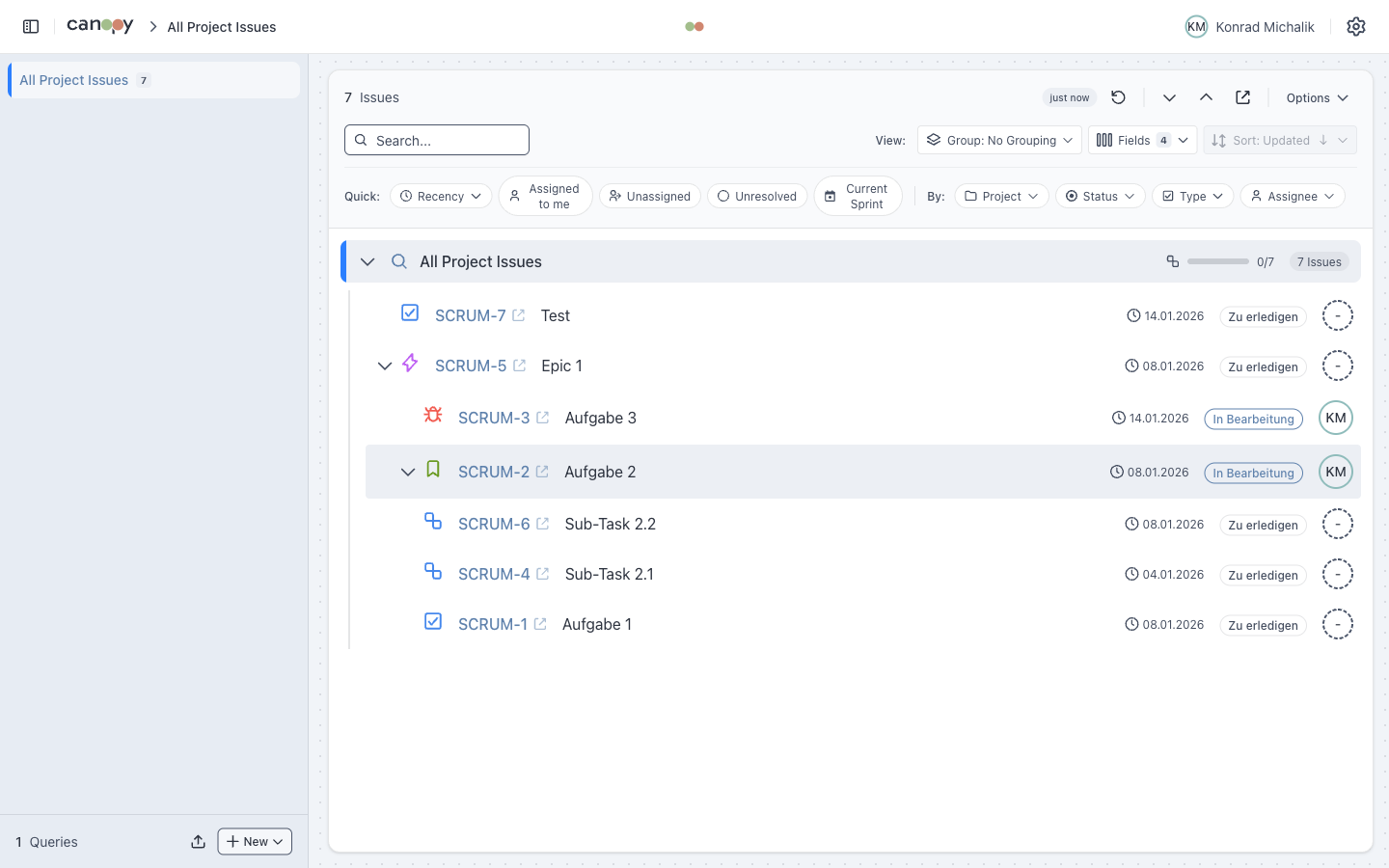
Hierarchical display (Epic, Story, Task, Subtask) with expand/collapse, progress aggregation, and vim-style keyboard navigation.


Tree visualization, powerful filters, grouping, and real-time change tracking


| Option | Description | Best For |
|---|---|---|
| Online Version | Use directly in browser, no installation | Quick access, trying it out |
| macOS Desktop App | Native Mac app | Daily use, no proxy needed |
| Local Setup | Run from source code | Development, customization |
Recommended
For the best experience on Mac, use the Desktop App - it connects directly to Jira without needing a CORS proxy.
Visit jira-canopy.vercel.app and connect to your Jira instance.
CORS Proxy Required
The online version requires a CORS proxy for Jira API access. See the Installation Guide.
Download the desktop app for Mac - no proxy required:
git clone https://github.com/konradmichalik/canopy.git
cd canopy
npm install
npm run dev| Platform | Authentication |
|---|---|
| Jira Cloud | Email + API Token |
| Jira Server/Data Center | Username + Personal Access Token |