

macOS Desktop App
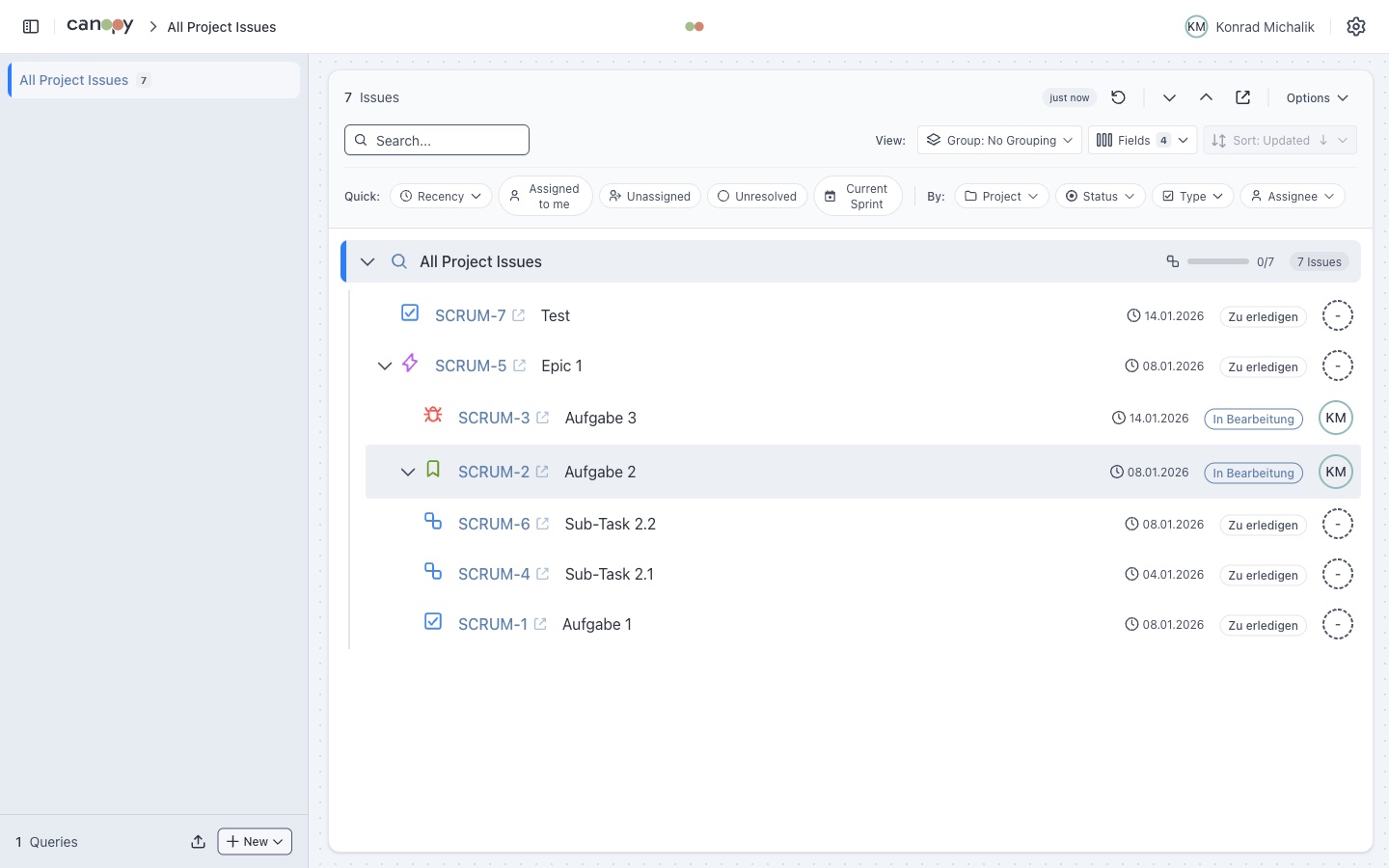
Canopy is available as a native macOS desktop application built with Tauri. The desktop version provides direct access to Jira without requiring a CORS proxy.
Why Use the Desktop App?
| Benefit | Description |
|---|---|
| No CORS Proxy | Connect directly to Jira without proxy setup |
| Native Performance | Faster than browser-based version |
| System Integration | Uses system browser for external links |
| Persistent Storage | Data stored in local file system |
Supported Platforms
| Platform | Architecture | Status |
|---|---|---|
| macOS | Apple Silicon (M1/M2/M3) | Available |
| macOS | Intel (x64) | Available |
| Windows | x64 | Planned |
| Linux | x64 | Planned |
Currently macOS Only
The desktop app is currently available for macOS only. Windows and Linux versions are planned for future releases.
Quick Install (macOS)
Homebrew (recommended)
bash
brew tap konradmichalik/tap
brew install --cask canopyHomebrew automatically removes the macOS quarantine attribute — no extra steps needed.
Manual Download
- Download the latest release
- Apple Silicon (M1/M2/M3):
Canopy_x.x.x_aarch64.dmg - Intel:
Canopy_x.x.x_x64.dmg
- Apple Silicon (M1/M2/M3):
- Open the DMG file
- Drag
Canopy.appto Applications - Remove the quarantine attribute so macOS allows the unsigned app:bash
xattr -cr /Applications/Canopy.app
Technical Details
The desktop app uses Tauri plugins for native functionality:
| Plugin | Purpose |
|---|---|
| tauri-plugin-http | HTTP requests without CORS restrictions |
| tauri-plugin-store | Persistent data storage |
| tauri-plugin-shell | Opening external links in browser |
Next Steps
- Installation - Detailed installation instructions
- Building - Build from source
- Web vs Desktop - Feature comparison