
Sync Modes
db-sync-tool supports different synchronization modes depending on the origin (source) and target (destination) configuration. The mode is automatically determined based on the presence of host entries.
Overview
| Mode | Origin | Target | Description |
|---|---|---|---|
| Receiver | Remote | Local | Get database from remote system |
| Sender | Local | Remote | Send database to remote system |
| Proxy | Remote | Remote | Transfer via local proxy |
| Dump Local | Local | - | Create local backup |
| Dump Remote | Remote | - | Create remote backup |
| Import Local | - | Local | Import dump to local |
| Import Remote | - | Remote | Import dump to remote |
| Sync Local | Local | Local | Sync between local databases |
| Sync Remote | Remote | Remote | Sync within same remote system |
Receiver
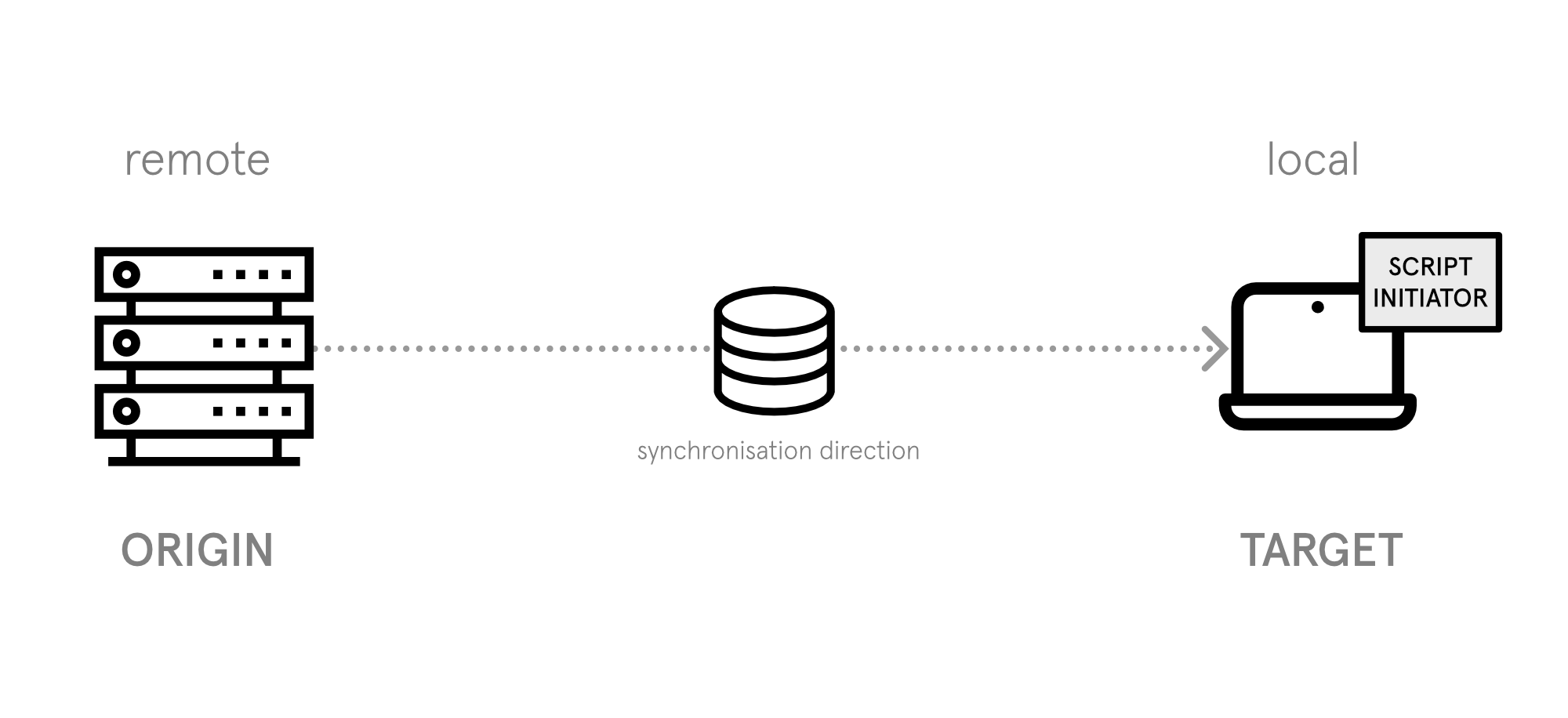
Get a database dump from a remote system (origin) to your local system (target).
This is the default and most common mode.
Configuration
Origin has host, target does not:
origin:
  host: prod.example.com
  user: deploy
  path: /var/www/html/LocalConfiguration.php
target:
  path: /var/www/local/LocalConfiguration.php
Use Cases
- Pulling production data to local development
- Creating local backups of remote databases
Sender
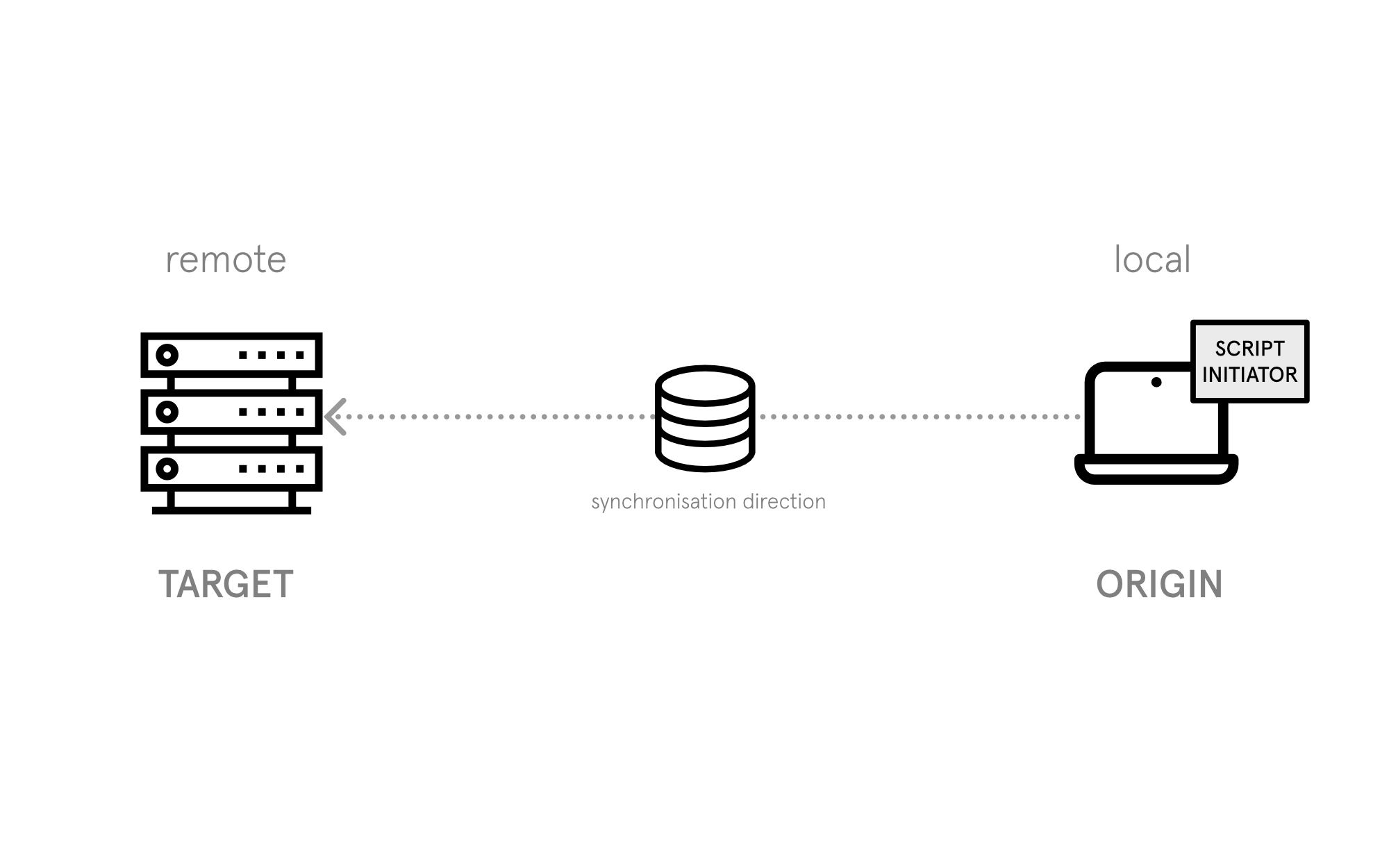
Send a database dump from your local system (origin) to a remote system (target).
Configuration
Target has host, origin does not:
origin:
  path: /var/www/local/LocalConfiguration.php
target:
  host: staging.example.com
  user: deploy
  path: /var/www/html/LocalConfiguration.php
Use Cases
- Pushing local data to staging
- Deploying database changes to test environments
WARNING
Be careful when sending to remote systems. Consider using protect: true on production hosts.
Proxy
Transfer a database between two remote systems using your local machine as a proxy.
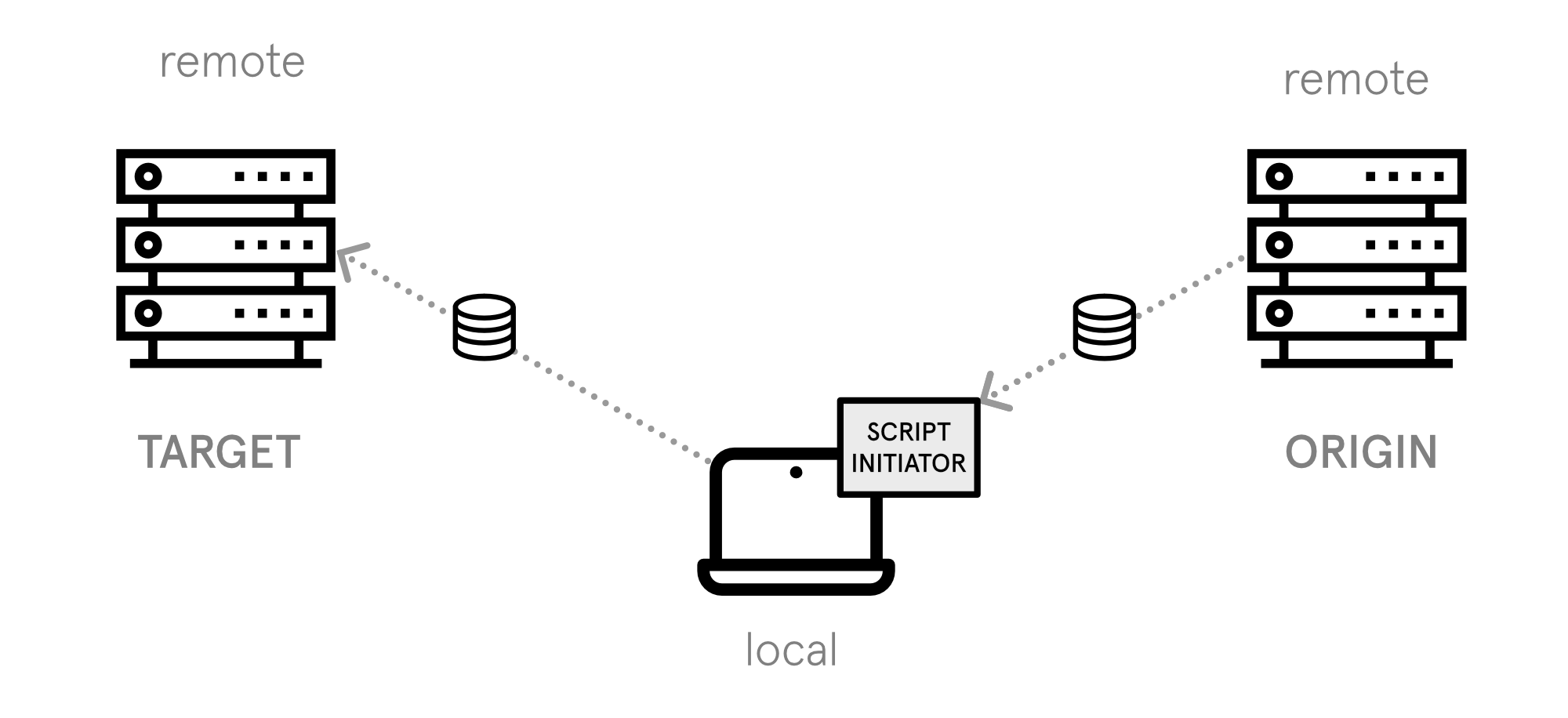
This mode is useful when origin and target cannot connect directly (e.g., due to security restrictions).
Configuration
Both origin and target have host:
origin:
  host: prod.example.com
  user: deploy
  path: /var/www/html/LocalConfiguration.php
target:
  host: staging.example.com
  user: deploy
  path: /var/www/html/LocalConfiguration.php
Flow
- Dump created on origin
- Transferred to local machine
- Transferred to target
- Imported on target
Use Cases
- Syncing between isolated environments
- Cross-datacenter transfers
- Environments without direct network access
Dump Local
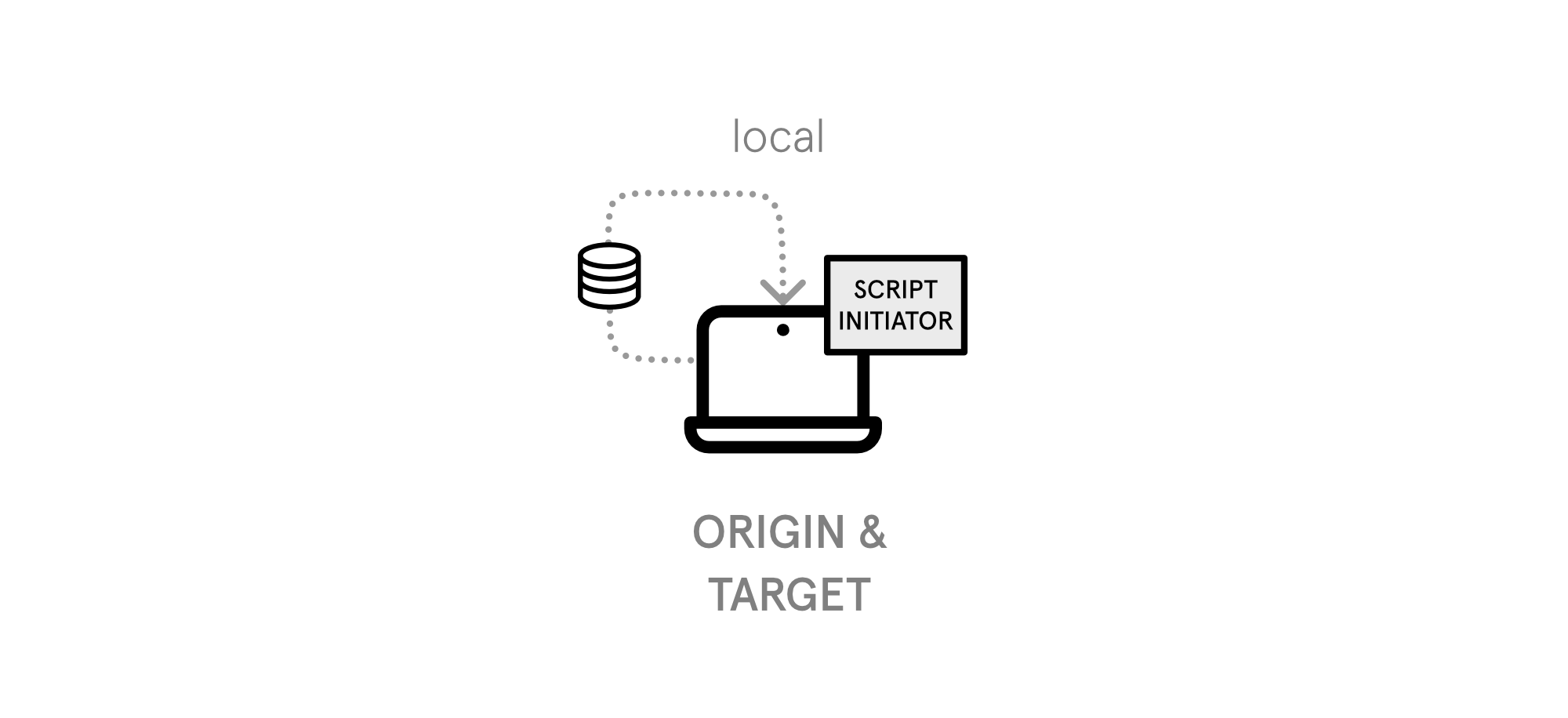
Create a database dump on your local system without transfer or import.
Configuration
No host entries, only origin:
origin:
  path: /var/www/local/LocalConfiguration.php
  dump_dir: /var/backups/
Use Cases
- Local database backups
- Creating snapshots before risky operations
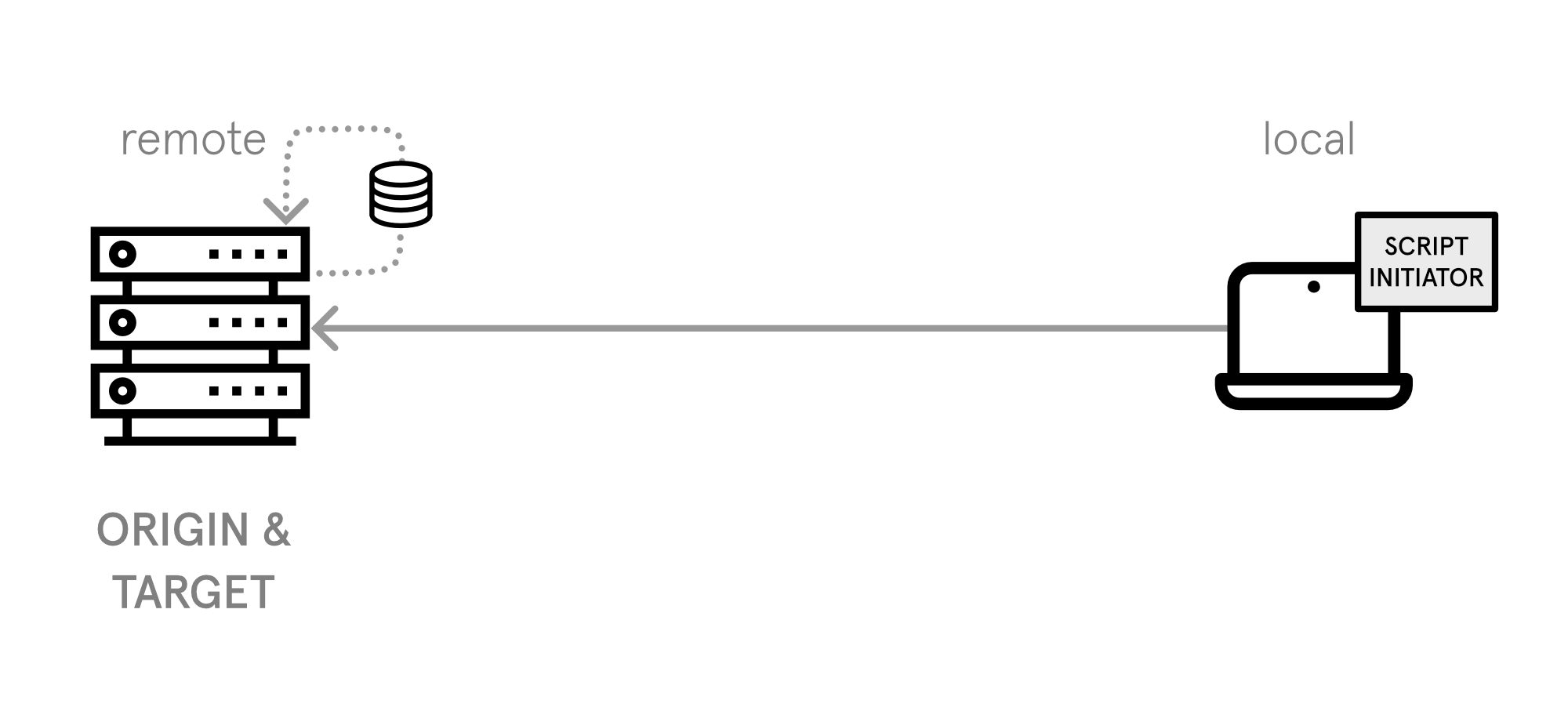
Dump Remote
Create a database dump on a remote system without transfer or import.
Configuration
Same host in both origin and target:
origin:
  host: prod.example.com
  user: deploy
  path: /var/www/html/LocalConfiguration.php
  dump_dir: /var/backups/
target:
  host: prod.example.com
  user: deploy
  path: /var/www/html/LocalConfiguration.php
Use Cases
- Remote backup creation
- Scheduled backup systems
Import Local
Import an existing dump file to a local database.
Configuration
Use the -i / --import-file option:
target:
path: /var/www/local/LocalConfiguration.phpdb_sync_tool -f config.yaml -i /path/to/dump.sqlUse Cases
- Restoring from backup
- Importing shared database dumps
Import Remote
Import an existing dump file to a remote database.
Configuration
Use the -i / --import-file option with a remote target:
target:
  host: staging.example.com
  user: deploy
path: /var/www/html/LocalConfiguration.phpdb_sync_tool -f config.yaml -i /remote/path/to/dump.sqlUse Cases
- Restoring remote systems from backup
- Deploying database snapshots
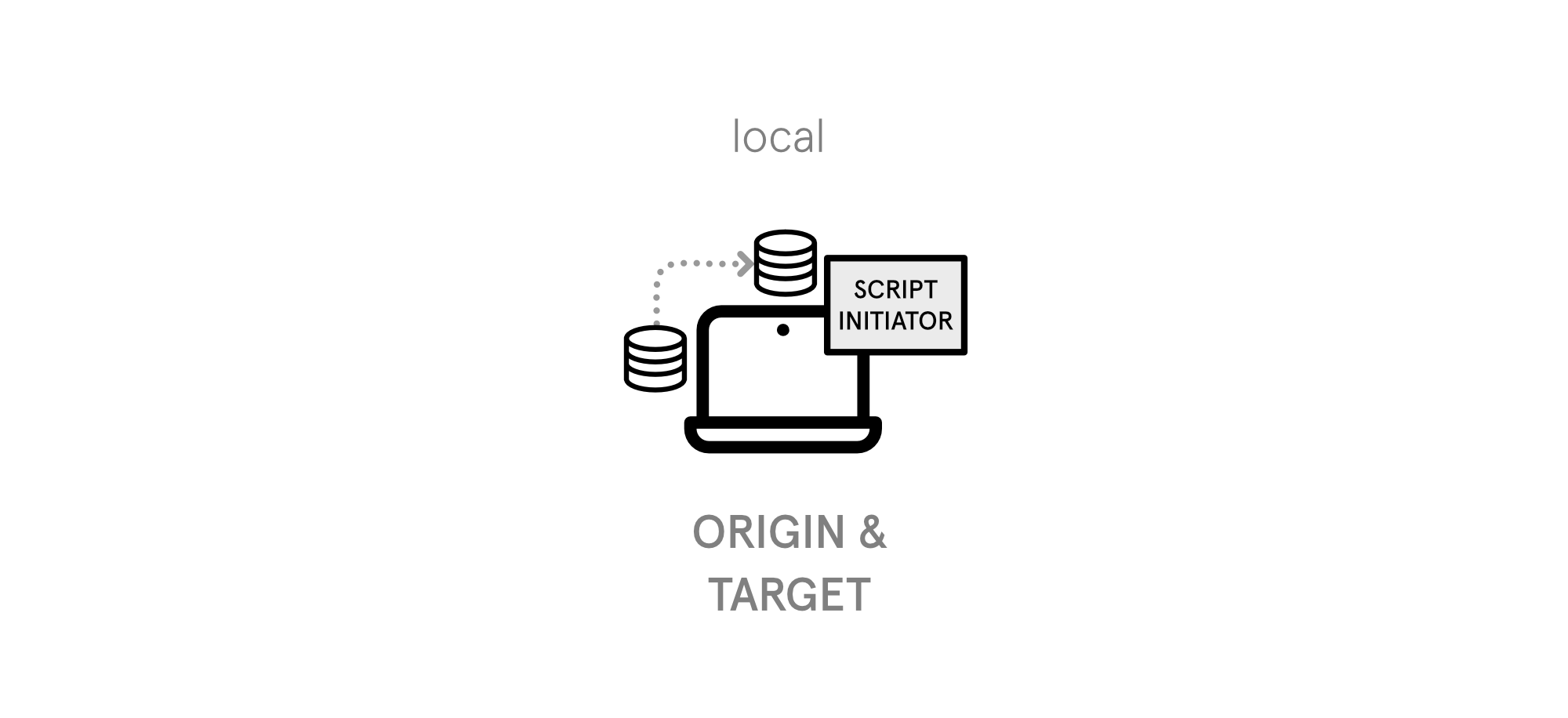
Sync Local
Sync a database between two different local paths/databases.
Configuration
No host entries, different path values:
origin:
  path: /var/www/project-a/LocalConfiguration.php
target:
  path: /var/www/project-b/LocalConfiguration.php
Use Cases
- Syncing between local projects
- Testing database migrations locally
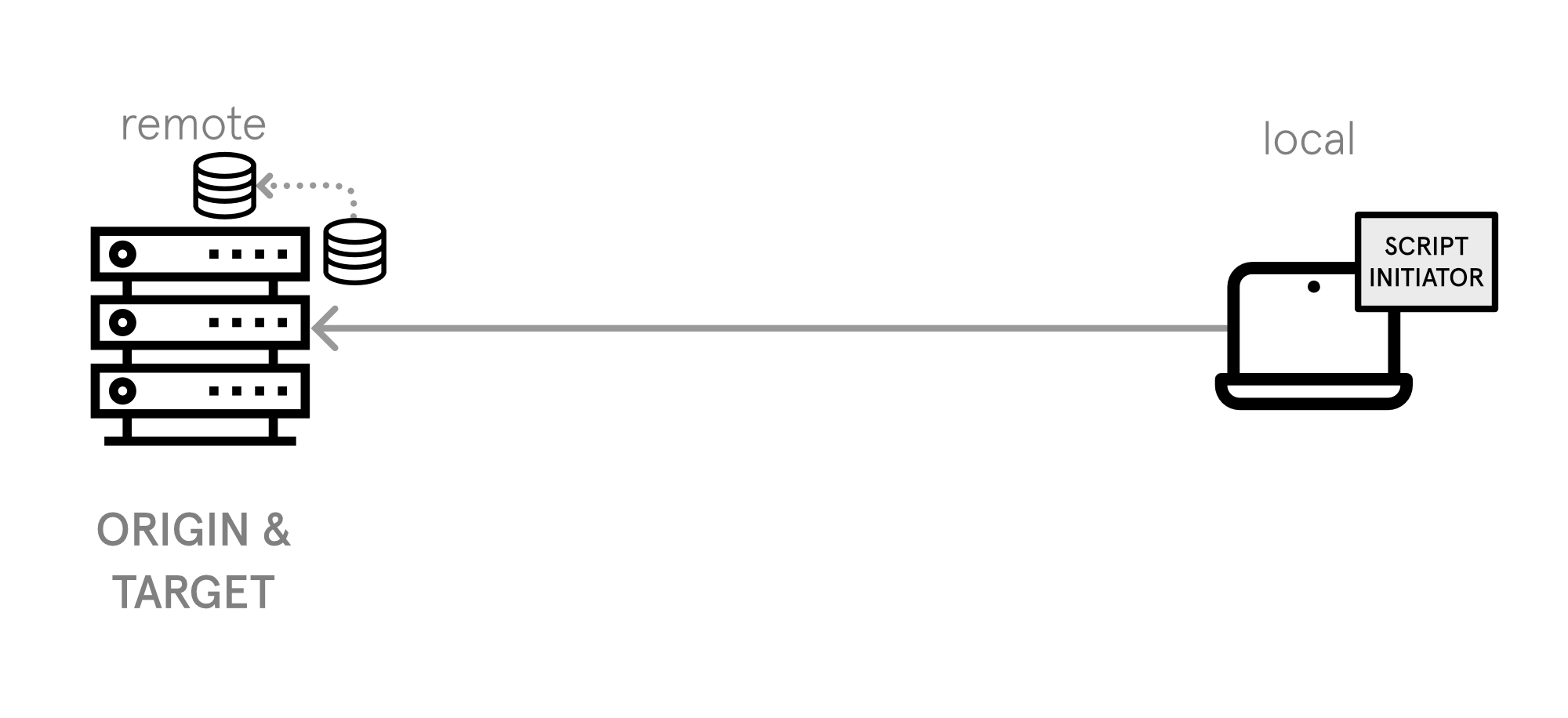
Sync Remote
Sync a database between two paths on the same remote system.
Configuration
Same host, different path values:
origin:
  host: server.example.com
  user: deploy
  path: /var/www/live/LocalConfiguration.php
target:
  host: server.example.com
  user: deploy
  path: /var/www/staging/LocalConfiguration.php
Use Cases
- Copying production to staging on same server
- Testing environment refresh