

Connections
roots supports four services. Each one is optional — connect whichever ones you use.
Supported Services
| Service | Auth Method | What it provides | Multi-Connection |
|---|---|---|---|
| Moco | API Key | Time entries, projects, presences | No |
| Jira | Email + Token (Cloud) or PAT (Server) | Worklogs | Yes |
| Outlook | OAuth 2.0 (PKCE) | Calendar events | No |
| Personio | Client ID + Secret | Absences, work schedule | No |
All services are optional — connect whichever ones you use. Jira is the only service that supports multiple simultaneous connections (e.g. Cloud + Server during a migration).
Connection Manager
Open the Connection Manager via the settings icon in the top bar or by clicking the Connect button in an empty source column.
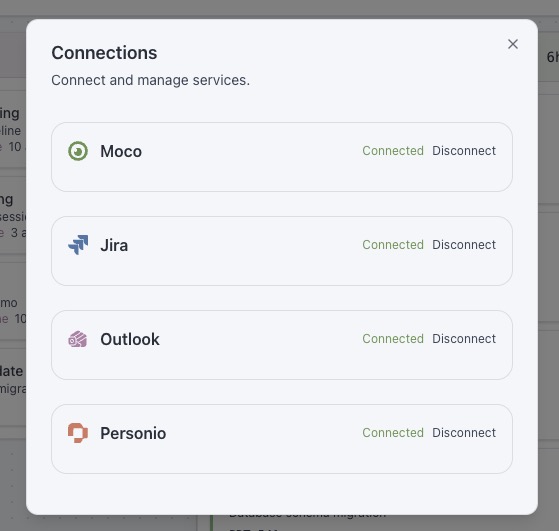
Each service has its own form. After entering credentials roots tests the connection immediately — a green checkmark confirms success.
Credential Storage
All credentials are stored locally on your device:
- Desktop app: Persisted in Tauri's secure store (
settings.json) - Browser mode: Stored in
localStorage
INFO
Credentials never leave your machine. roots communicates directly with each service API — there is no intermediary server.
Disconnecting
Each service can be disconnected individually from the Connection Manager. Disconnecting clears the stored credentials and removes cached data for that service.